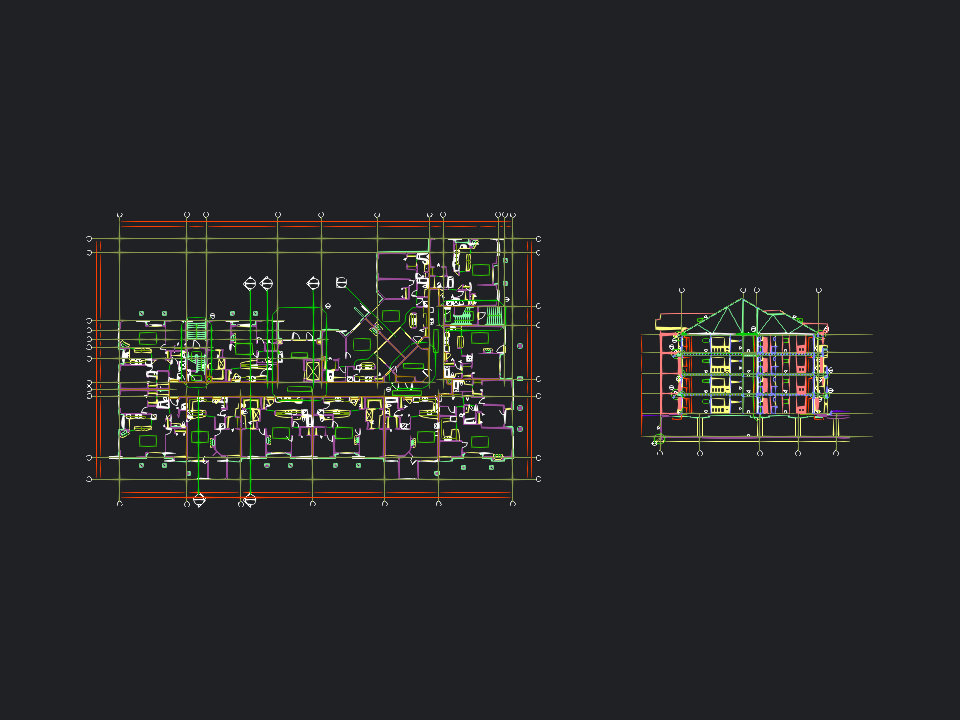
Multi-unit building plan
3.7 MB plan with 7,701 entities, unit layouts and a building section.
Private CAD review in your browser
Open DWG and DXF files online without uploading them. Inspect layers, layouts and measurements privately in your browser. No AutoCAD, signup or installation required.
You can also drag and drop a .dwg or .dxf file anywhere on this page.
Updated · Viewer version 3.4.8
A DWG file is the native binary drawing format used by AutoCAD and many other CAD applications. A drawing can contain geometry, blocks, text, dimensions, layers, model space and paper-space layouts used across architecture, engineering, construction and manufacturing.
Flinker is a browser-based DWG viewer for quick drawing review. Choose a .dwg file to pan, zoom, switch layers and layouts, and take snapped distance measurements without downloading desktop CAD software. Processing happens locally on your device, so confidential plans are not transferred to an upload server. The tool is designed for viewing and inspection; it does not edit or save DWG geometry.
Try a complete DXF drawing. It opens locally in your browser and is never uploaded.
3.7 MB plan with 7,701 entities, unit layouts and a building section.
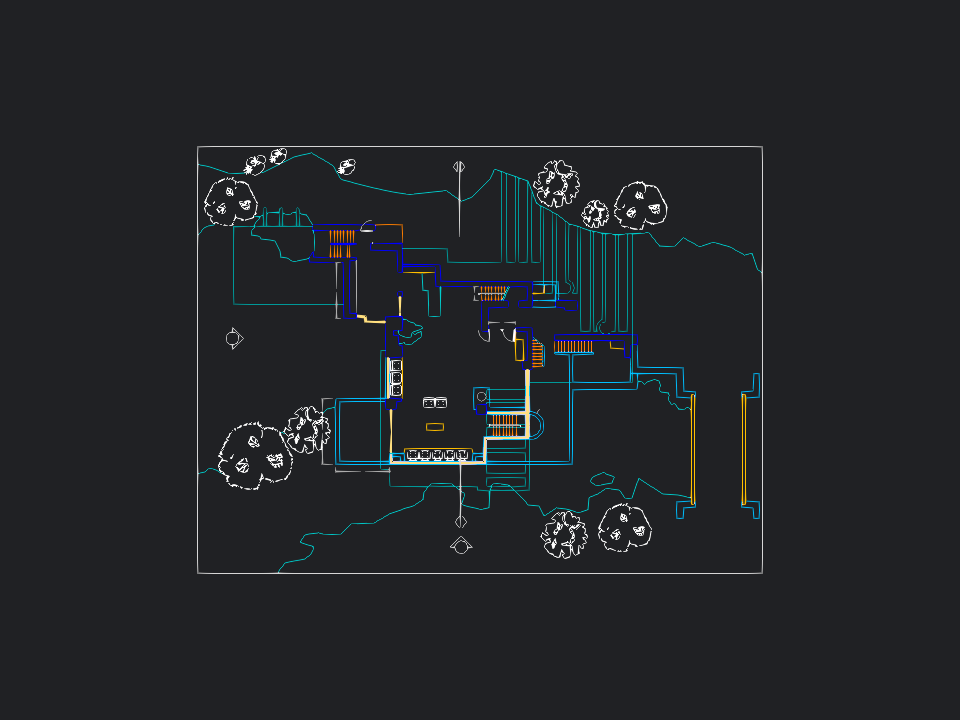
537 KB project with 707 entities, 13 layers, terrain and annotations.
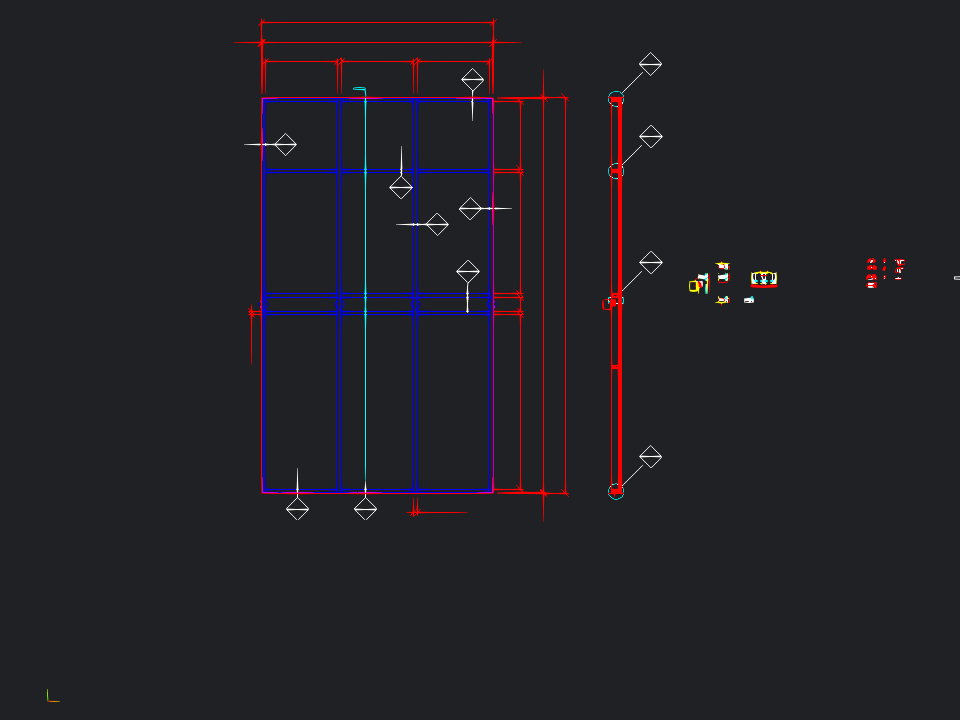
2.7 MB façade detail with 1,244 entities, 22 layers and dimensions.
Remote sample sources: dxf-json, dxf, and dxf-parser.
Open a drawing in three steps. You do not need an account, browser plugin or CAD installation.
Select a .dwg or .dxf file from your device, or drag it directly onto this page.
WebAssembly reads and converts the drawing inside your browser instead of sending it to a server.
Pan, zoom, control layers, switch layouts and measure distances with line and vertex snapping.
Review real CAD drawing data, not a flattened thumbnail, including lines, polylines, circles, arcs, splines, dimensions, text and blocks.
Open binary DWG drawings and ASCII DXF exchange files from the same file picker.
Show or hide drawing layers and switch between model space and paper-space layouts.
Measure drawing distances with vertex and line snapping for repeatable review.
Conversion and rendering run locally on your device; files are never uploaded for viewing.
Use Flinker in a current Chrome, Edge, Firefox or Safari browser with JavaScript, WebAssembly and WebGL enabled. There is no desktop viewer to download and no browser extension to install. Large or complex drawings work best in a 64-bit desktop browser with enough free memory.
The viewer supports DWG R13 (AC1012), R14 (AC1014), 2000-2002 (AC1015), 2004-2006 (AC1018), 2007-2009 (AC1021), 2010-2012 (AC1024), 2013-2017 (AC1027), and 2018 or later (AC1032).
Application-specific custom objects, proxy graphics and external references may not render exactly as they do in the authoring software. If a drawing is incomplete, bind its references or export an ASCII DXF and open that file instead.
| Comparison | DWG | DXF |
|---|---|---|
| Purpose | Native working drawing | CAD data exchange |
| Encoding | Compact binary data | Usually readable ASCII text |
| Typical size | Usually smaller | Usually larger |
| Best used for | Complete project drawings | Moving geometry between CAD tools |
Confirm the extension is .dwg or .dxf.
Use R13 through R2018/AC1032.
Large drawings need more memory.
Use DXF when a proprietary object cannot be converted.
Yes. You can open and inspect DWG and DXF drawings without payment, signup or installation.
No. The browser viewer lets you inspect a drawing without AutoCAD or another desktop CAD installation.
No. DWG and DXF files are processed locally in your browser and never uploaded to a server.
Yes. The viewer runs in current Chrome, Edge, Firefox and Safari browsers on Windows, macOS and Linux. Large drawings work best in a 64-bit desktop browser.
There is no fixed file-size limit. Practical capacity depends on device memory, drawing complexity and browser resources.
No. Flinker is a viewer for inspecting drawings. Use a CAD editor when you need to change and save geometry.
External references and application-specific proxy objects may not be embedded in the DWG. Bind the references or export a flattened DXF from the authoring application.
Drop your DWG or DXF here
The drawing stays on this device.